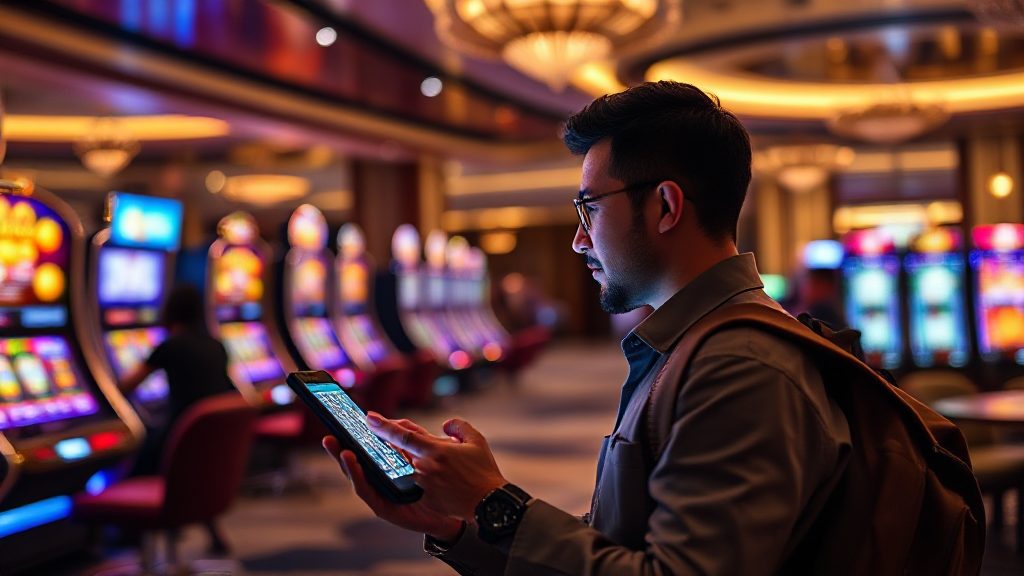
Main Slot Saat Bepergian: Tips Keamanan di Wi-Fi Publik
You are sitting in an airport lounge, the Wi-Fi is free, and the privacy is not. That is the moment most travelers start thinking about playing slot games on their phone, and it is also the moment they are most exposed. This guide is for players who want to enjoy a few spins between flights, in hotel rooms, or at a café table without turning a relaxing trip into a security headache.
The short answer: treat every public network as hostile, use your own data connection for anything involving a login or a deposit, and keep your session short and deliberate. Below are practical, location-by-location habits that frequent travelers use to stay safe while playing on the go.
Why Public Wi-Fi Is Risky for Slot Players
Public Wi-Fi is convenient but rarely private. On an open network, other devices can sometimes observe traffic, and fake hotspots can imitate a legitimate café or hotel name. For a slot player, that matters because a session usually involves a login, a balance, and sometimes a QRIS deposit from a mobile banking app.
You do not need to be a security expert to reduce the risk. You need a few consistent rules and the discipline to follow them even when you are tired and the boarding call is coming.
What can actually go wrong
- Fake hotspot pages that ask you to “log in” with your account credentials.
- Session hijacking on unencrypted networks, where an attacker reuses your active login.
- Shoulder surfing in crowded lounges, where someone reads your screen or your PIN.
- Deposit mistakes made in a hurry, such as sending funds to the wrong QR code.
The common thread is speed and distraction. Slow down before you log in, not after.
Airport Lounges and Terminals: The Highest-Risk Zone
Airport Wi-Fi is the classic trap because it is free, fast, and full of people with time to watch. If you must play here, use your mobile data plan instead of the lounge network, and keep your back to a wall or a pillar rather than facing a walkway.
Before you open the game
- Turn off auto-connect to open networks in your phone settings.
- Confirm the official network name with staff if you decide to use Wi-Fi at all.
- Log in to your account only through a bookmarked page or the official app, never a link from an email or message.
- Set a session limit in your head before you start, such as 15 minutes or a fixed budget.
If a page asks for more information than usual, such as your banking PIN or a one-time code you did not request, stop. No legitimate game session needs your banking PIN.
Hotels, Cafés, and Transit: Adjusting Your Habits by Location
Each location type has its own rhythm, and your security habits should match it. A hotel room is calmer than a café, and a moving train is calmer than a boarding gate, but none of them is automatically safe.
In your hotel room
Hotel networks are usually password-protected, which is better than open Wi-Fi but still shared with every guest. Use your own data connection for logins and deposits, and save the hotel Wi-Fi for browsing and streaming. If you play late at night, check that your screen brightness is low and your door is locked, especially in rooms with windows facing a corridor.
At a café or co-working space
Cafés are social, which means people walk behind you. Sit with your back to a wall, use a privacy screen if you have one, and avoid playing while your device is charging on a shared table where it can be grabbed. Keep deposits small and deliberate rather than rushing a QRIS transfer while your coffee gets cold.
On trains, buses, and ferries
Transit Wi-Fi is often slow and unstable, which encourages repeated re-logins. Each re-login is another chance to mistype a password or accept a suspicious prompt. If the connection drops, wait until you are on a stable network before trying again, and never save your password on a shared device.
One more habit worth building: log out completely when you finish, rather than leaving the session open in a background tab. A closed session is a session nobody else can reuse.
Building a Travel Security Routine That Sticks
Security works best when it becomes automatic. Set up your phone and your accounts before you leave home so that the decisions are already made when you are standing in a queue.
Before the trip
- Enable two-factor authentication on your account and your email.
- Install a reputable VPN and test it at home, not at the airport.
- Bookmark the official site so you never search for it on a public network.
- Decide your deposit method in advance, and keep the amount modest.
During the trip
Use mobile data for logins and deposits, keep sessions short, and avoid playing when you are rushed or distracted. If you use a QRIS deposit, open your banking app directly rather than through a link, and verify the merchant name before confirming. A few extra seconds here prevent most of the problems travelers actually run into.
After the trip
Review your account activity, change your password if you used any shared device, and remove saved logins from borrowed phones or tablets. This five-minute habit closes the loop on everything that happened while you were away.
FAQ: Playing Slot Games While Traveling
Is it safe to play on hotel Wi-Fi?
It is safer than open airport Wi-Fi because it is usually password-protected, but it is still shared with other guests. Use your own data connection for logins and deposits, and reserve hotel Wi-Fi for general browsing.
Should I use a VPN on public networks?
A reputable VPN adds a layer of encryption on public networks and is worth using for logins. Test it before your trip so you are not troubleshooting it in a crowded terminal.
What should I do if a login page looks unusual?
Close it and open the official site from your bookmark instead. Never enter credentials on a page you reached through a link in an email, message, or pop-up.
How do I keep deposits safe while traveling?
Open your banking app directly, verify the merchant details before confirming a QRIS transfer, and keep amounts small and deliberate. Avoid depositing while distracted or in a hurry.
Can I play on a train or ferry?
Yes, but unstable connections cause repeated logins, which increases risk. Wait for a stable network, avoid saving passwords on shared devices, and log out fully when you finish.